Do you generate AI characters that stay consistent across images and videos?
Loading last updated info...
You generate a great AI image for marketing, then the next one looks like a distant cousin of the original. Different face, different colors, different vibe. This inconsistency confuses users and weakens brand recognition, especially when you’re trying to build a recognizable character like a mascot or product hero.
    Prompt: “Generate a 3d stylized, cartoon-like yak covering his eyes with his hooves. The yak has small curved horns, shaggy light-brown hair on its head, large expressive eyes, and a friendly, slightly smiling expression. It is wearing a short-sleeved red shirt. The background is plain white, giving the image a clean, studio-like appearance. Make the yak {{ ACTION }}.”

    Image model used (left-to-right): Google Whisk, Open AI GPT Image, Google Nano Banana.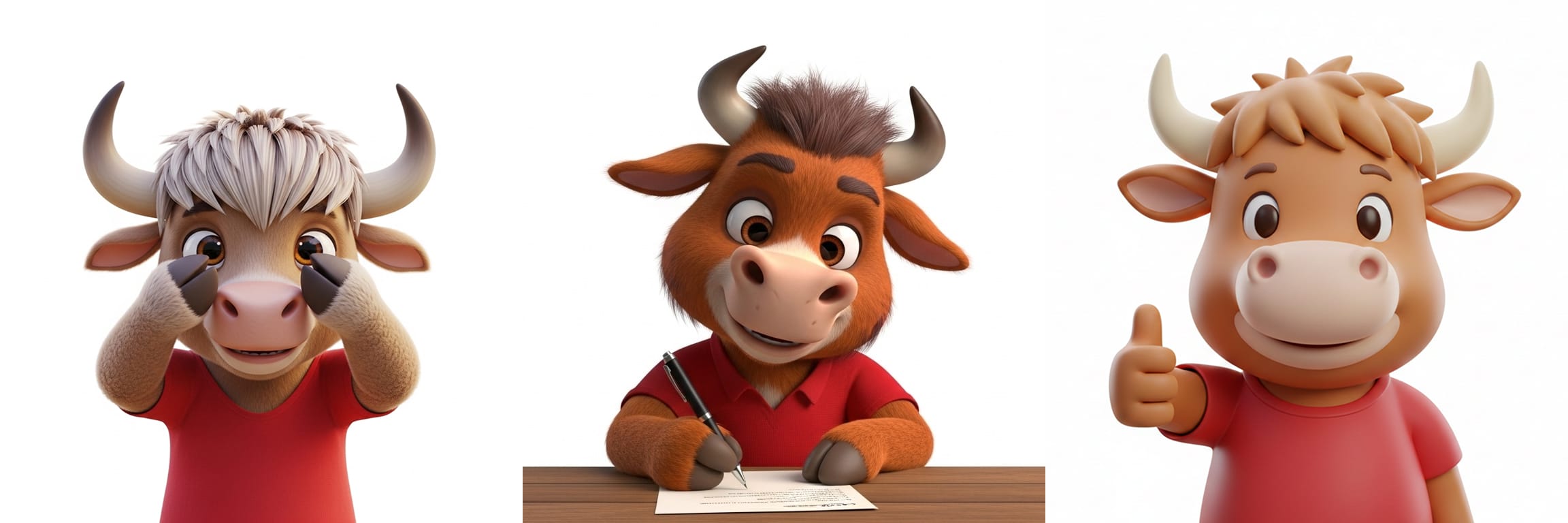
❌ Figure: Bad example - The same text prompt can produce varied results across different image generation models.
    Prompt: “Use the provided character sheet as the exact character reference. Do not change colors, facial features, proportions, or style. Make Jack the Yak {{ ACTION }}.”

    Attached file: Character-Sheet.png

    Image model used (left-to-right): Open AI GPT Image, Google Whisk, Google Nano Banana.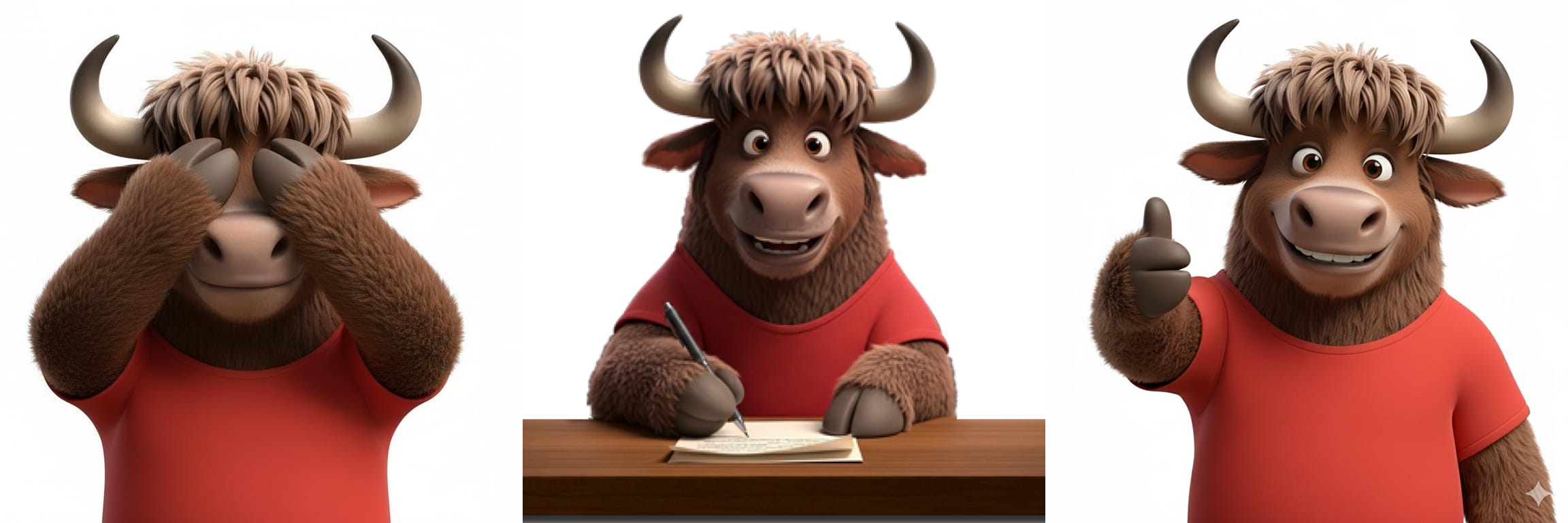
✅ Figure: Good example - By using a "source of truth" image, you can ensure character consistency across different scenarios and models.
1. Start with a single “source of truth” image
Always begin with one approved base image of the character. Ideally this image should be a character sheet, providing different views of the character so that models have more context to work with.
Use this same static image as the reference for:
- Image generation (e.g. OpenAI GPT Image, Google Nano Banana)
- Video/animation generation (e.g. OpenAI Sora, Google Veo)
Store it in a shared, versioned location (e.g. brand assets folder).

For YakShaver, we store our “source of truth" character sheet at yakshaver.ai/media
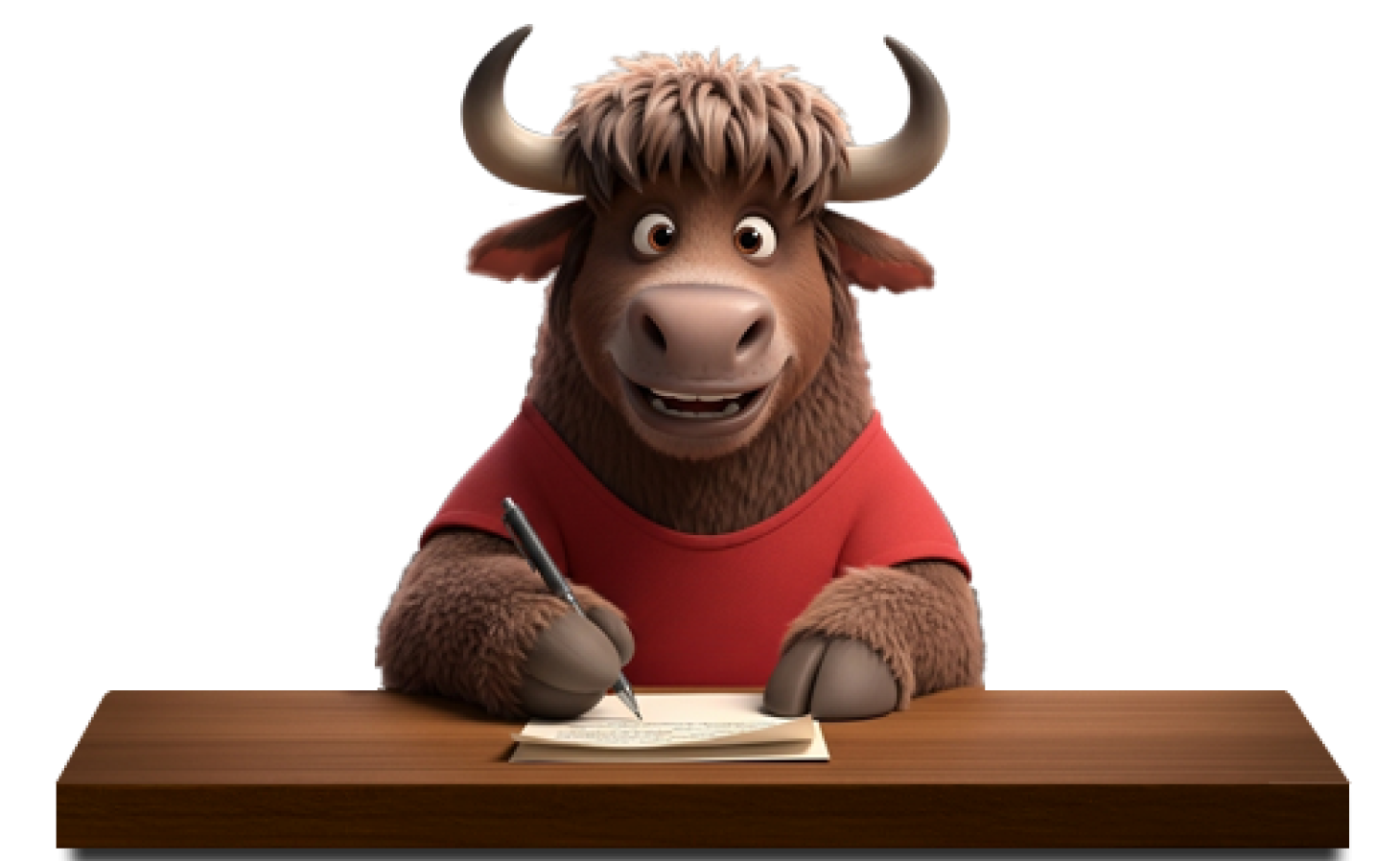
❌ Figure: Bad example - A single high-quality image of the character.
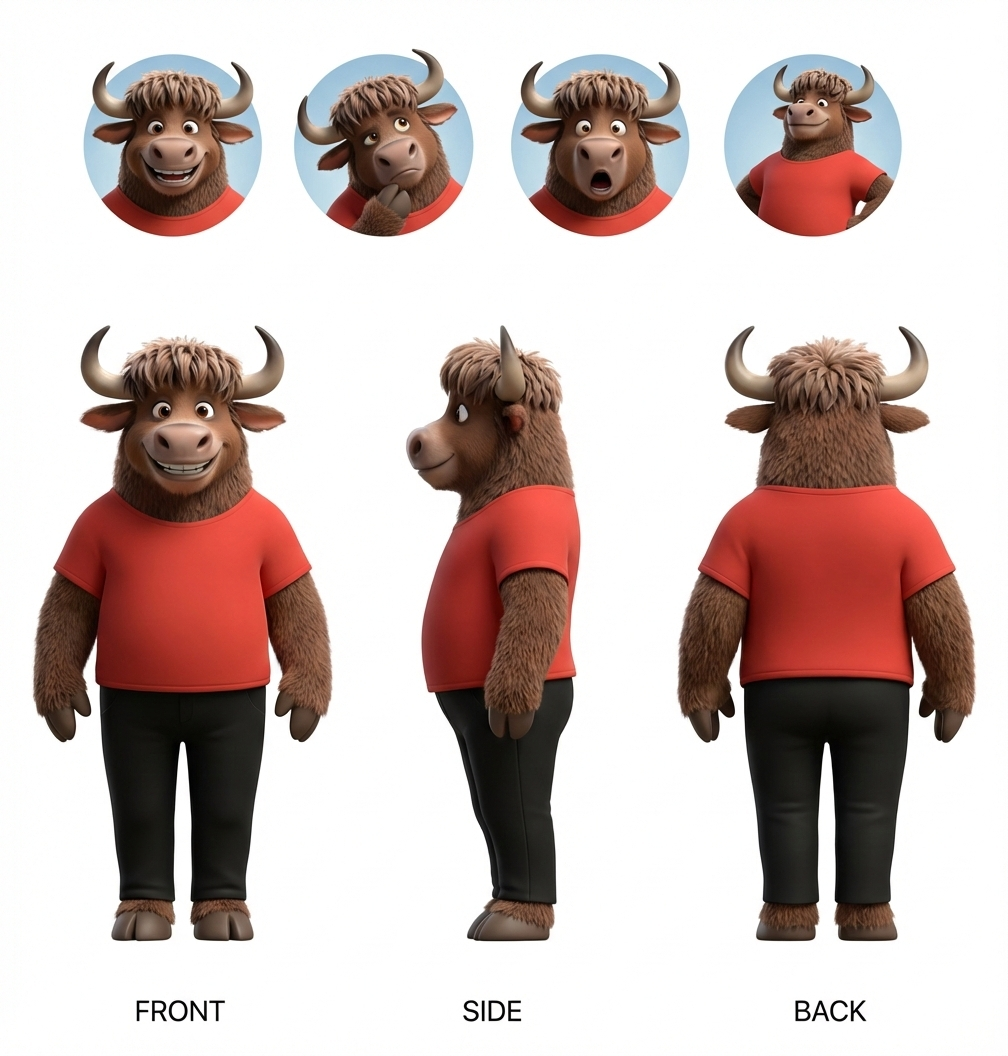
✅ Figure: Good example - A character sheet showing the different angles and emotions of our YakShaver mascot, Jack the Yak.
2. Be explicit in your prompts
AI models will improvise unless you clearly tell them not to.
Include:
- Physical traits (species, colors, proportions)
- Clothing or accessories (or explicitly say “no clothing”)
- Mood, personality or expressions
- Camera framing and lighting
- Instruction to preserve the original character design
Make Jack the Yak cover his eyes.
❌ Figure: Bad example - The prompt is vague and will lead to inconsistencies.
Use the provided image as the exact character reference. Do not change colors, facial features, proportions, or style. Make Jack the Yak cover his eyes with his hooves.
✅ Figure: Good example - Explicitly instructing the model to preserve the original character.
3. Reuse the same reference across tools
While it is better to use the same AI tool for character consistency, different AI tools can still produce consistent results if you:
- Use the same base image
- Reuse or lightly adapt the same prompt
- Avoid letting the tool “reimagine” the character
This allows teams to mix tools (e.g. OpenAI GPT Image and Google Nano Banana) without visual drift.
4. Get approvals for generated characters
Before publishing AI-generated characters:
- Get a “test pass” from design/brand owners
- For videos/animations, check quality with your video team (e.g. no choppy or awkward movements)
Once approved, lock the base image and treat changes as a new version.
Summary
To ensure your AI characters are consistent, treat them like the brand asset they are. Use a single source-of-truth image, be explicit in your prompts, reuse the same references across tools, and get design sign-off before publishing.